शादी के लिए सुंदर बायोडाटा, मिनटों में तैयार
एक बार अपनी जानकारी भरें, 50+ सुंदर टेम्पलेट पर प्रीव्यू देखें और प्रिंट-रेडी PDF डाउनलोड करें। कोई साइन-अप नहीं।
- No sign-up
- Instant PDF
- Secure
- English · हिंदी · मराठी
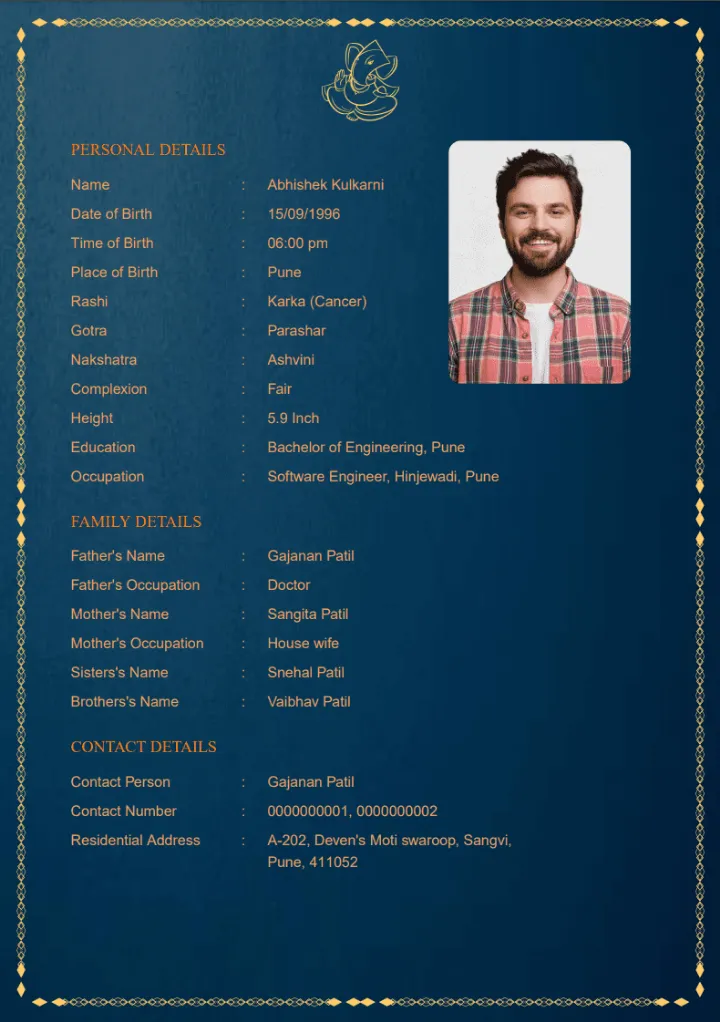
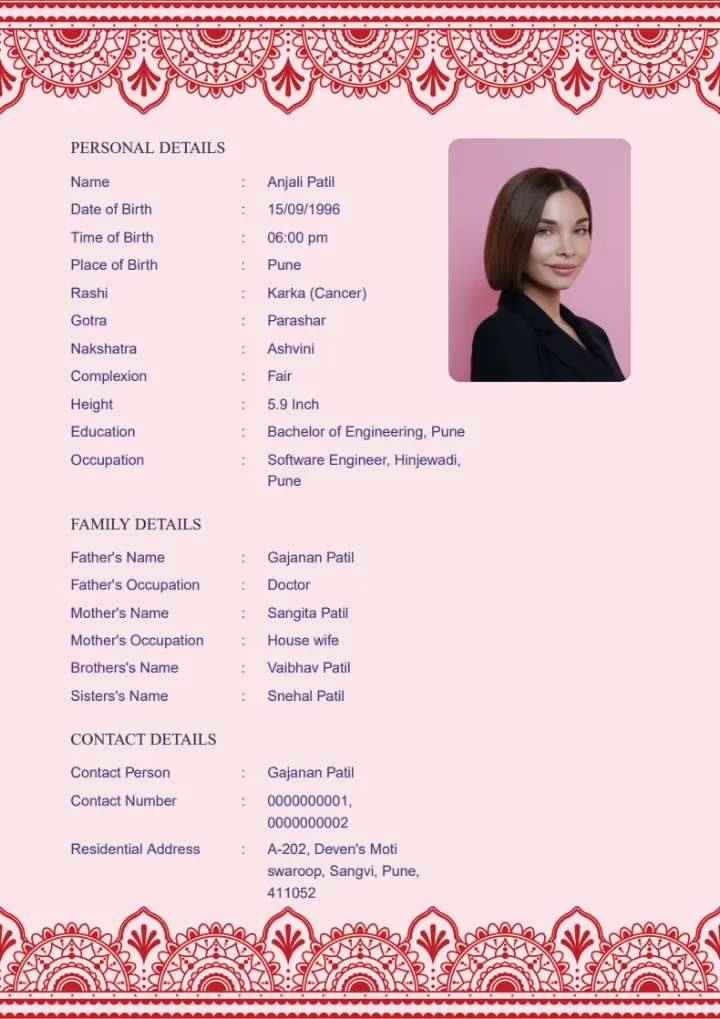
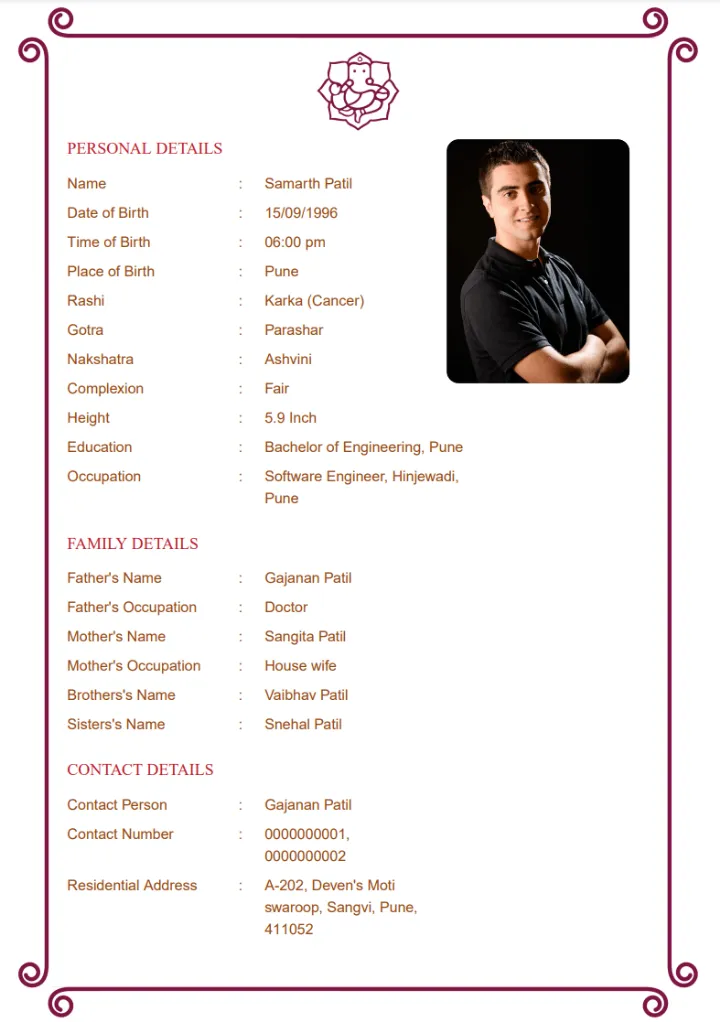
हर परंपरा के लिए सुंदर विवाह बायोडाटा टेम्पलेट
Every design is A4, print-ready and looks great on WhatsApp. Preview your own details on each one before you pay.
अपना बायोडाटा बनाएं
- 1Your details
- 2Pick template
- 3Download PDF
Auto-saved in this browser
How to make your marriage biodata
No account, no design skills, no waiting. Most people finish in under five minutes.
Enter your details
Add personal, family and contact details and upload a photo. Rename, reorder or add fields as you like.
Choose a template
See your own biodata live on 50+ handcrafted designs and pick the one that feels just right.
Download the PDF
Pay securely and your print-ready A4 PDF downloads instantly – ready to print or share on WhatsApp.
Everything you need for the perfect biodata
Handcrafted templates
50+ elegant designs – traditional, floral, royal and minimal – made to impress families.
Live preview
See exactly how your biodata looks on every template before you pay a rupee.
Hindi, Marathi & English
Switch language in one tap – every field label is translated for you.
Fully customisable
Add new fields, rename them, reorder with arrows or delete what you don’t need.
Photo crop & rotate
Upload any photo and frame it perfectly with the built-in crop, zoom and rotate tool.
Private & no sign-up
No account or login. Your details auto-save only in your own browser while you work.
What to include in a marriage biodata
A good biodata for marriage is short, honest and easy to read – ideally one A4 page with a clear photo. Our form already follows the standard Indian marriage biodata format, so you only need to fill in the blanks.
- Personal details
- Full name, date of birth, height, complexion, education, occupation and income.
- Horoscope details
- Time and place of birth, rashi, nakshatra and gotra – important for kundali matching.
- Family details
- Father’s and mother’s name and occupation, brothers, sisters and family background.
- Contact details
- Contact person, phone number and residential address for families to reach you.
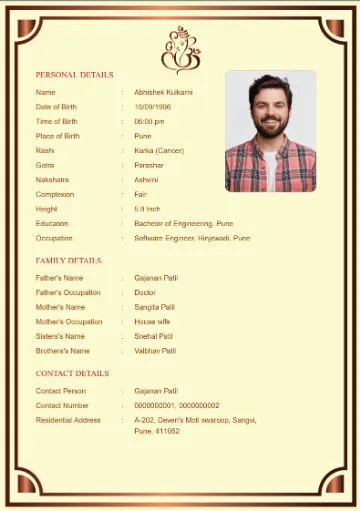
शादी के लिए बायोडाटा कैसे बनाएं – फॉर्मेट, नमूना और सुझाव
अपने लिए, बेटे या बेटी के लिए शादी का बायोडाटा बनाना हो – यह गाइड बताती है कि एक अच्छे हिंदी बायोडाटा में क्या-क्या लिखें और उसे कुछ ही मिनटों में कैसे तैयार करें।
5 आसान स्टेप में शादी का बायोडाटा
- जानकारी इकट्ठा करें – जन्म तिथि, सही जन्म समय और स्थान, शिक्षा, नौकरी, माता-पिता और भाई-बहन के नाम व व्यवसाय।
- अच्छी फोटो चुनें – हाल की, साफ़ और प्राकृतिक रोशनी में ली गई फोटो।
- ऊपर दिया फॉर्म भरें – सभी फ़ील्ड हिंदी में हैं। “मांगलिक”, “मेरे बारे में” या “अपेक्षाएँ” जैसे फ़ील्ड “Add field” से जोड़ें।
- टेम्पलेट चुनें – आपकी जानकारी हर डिज़ाइन पर लाइव दिखती है, तुलना करके चुनें।
- PDF डाउनलोड करें और WhatsApp पर भेजें या A4 पेपर पर प्रिंट करें।
हिंदी बायोडाटा फॉर्मेट – क्या लिखें
| भाग | मुख्य जानकारी |
|---|---|
| व्यक्तिगत विवरण | नाम, जन्म तिथि, कद, रंग, धर्म, जाति, मातृभाषा |
| कुंडली विवरण | जन्म समय, जन्म स्थान, राशि, नक्षत्र, गोत्र, मांगलिक |
| शिक्षा व व्यवसाय | शिक्षा, नौकरी / व्यवसाय, कंपनी, शहर, आय (वैकल्पिक) |
| पारिवारिक विवरण | पिता का नाम व व्यवसाय, माता का नाम, भाई, बहन, मूल निवास |
| संपर्क | संपर्क व्यक्ति, मोबाइल नंबर, पता / शहर |
राशि, नक्षत्र, गोत्र और मांगलिक का मतलब विस्तार से जानने के लिए पढ़ें – Horoscope details explained।
लड़की और लड़के का बायोडाटा
फॉर्मेट दोनों के लिए एक जैसा है। लड़की के बायोडाटा में शिक्षा, करियर और पारिवारिक मूल्यों पर ध्यान दिया जाता है; रंग और वज़न लिखना ज़रूरी नहीं। लड़के के बायोडाटा में नौकरी का पद, कंपनी, शहर और परिवार (संयुक्त / एकल) साफ़ लिखें।
दो लाइन का “मेरे बारे में” बायोडाटा को व्यक्तिगत बनाता है – उदाहरण के लिए देखें About me examples।
बायोडाटा PDF डाउनलोड और WhatsApp पर भेजना
आपका बायोडाटा A4 साइज़ की हाई-क्वालिटी PDF में डाउनलोड होता है। WhatsApp पर Document के रूप में भेजें ताकि क्वालिटी खराब न हो, और प्रिंट करते समय 100% / Actual size चुनें। पूरी जानकारी: PDF download & share guide।
ध्यान रखने योग्य बातें
- बायोडाटा एक पेज का रखें और नाम व जन्म समय दोबारा जाँच लें।
- बड़े ग्रुप में भेजते समय माता-पिता का नंबर दें और पूरा पता न लिखें।
- पुरानी, फ़िल्टर वाली या ग्रुप फोटो न लगाएँ।
- आप जानकारी अंग्रेज़ी या हिंदी (देवनागरी) – किसी में भी लिख सकते हैं।
Biodata in Hindi, shadi biodata format in Hindi या vivah biodata – सब यहीं, बिना साइन-अप के। पहली मुलाक़ात की तैयारी के लिए पढ़ें first meeting questions।
Frequently asked questions
Can’t find what you’re looking for? Write to us at supbiodatamaker@gmail.com – we usually reply within a day.
What is a marriage biodata?
A marriage biodata is a one-page profile shared with prospective families. It covers personal details (name, date and time of birth, height, education, occupation), astrological details like rashi, nakshatra and gotra, family details, and contact information – usually with a photo.
What is the correct biodata format for marriage?
The standard format is one A4 page with a photo at the top, followed by personal details, horoscope details (birth time, rashi, nakshatra, gotra), education and job, family details and contact details. Our form follows this order, so you only need to fill in the blanks.
Is the biodata format different for a girl and a boy?
The format is the same for brides and grooms. For a girl’s biodata, families look closely at education and career plans; for a boy’s biodata, at job role, company, work city and family set-up. Add anything extra – like About me or Expectations – with “Add field”.
Can I download my biodata as a PDF and share it on WhatsApp?
Yes. Your biodata downloads as a high-quality A4 PDF. On WhatsApp, send it as a Document so it keeps full quality, or print it at 100% (actual size) on A4 paper.
Do I need to sign up or create an account?
No. There is no registration or login. Just enter your details, pick a template and download your biodata.
Can I make my biodata in Hindi or Marathi?
Yes. The biodata maker works in English, हिंदी (Hindi) and मराठी (Marathi). Switch the language from the top menu and all field names change automatically.
How many templates are available?
There are 50+ professionally designed templates – traditional, floral, royal, minimal and more – each in multiple colour combinations. You can preview your own details on every template before paying.
Can I add, rename, reorder or remove fields?
Yes. Use “Add field” to include anything extra (hobbies, diet, salary, property, etc.), rename custom fields, move any field up or down, or delete fields you don’t need.
Is my information safe?
While you type, your details are saved only in your own browser so you don’t lose them on refresh. There is no account, and your final PDF is stored securely only so you can download it after payment.
Can I edit my biodata after downloading?
Your details stay saved in this browser, so you can come back, make changes and preview again. For any issue with a downloaded biodata, email supbiodatamaker@gmail.com and our team will help.